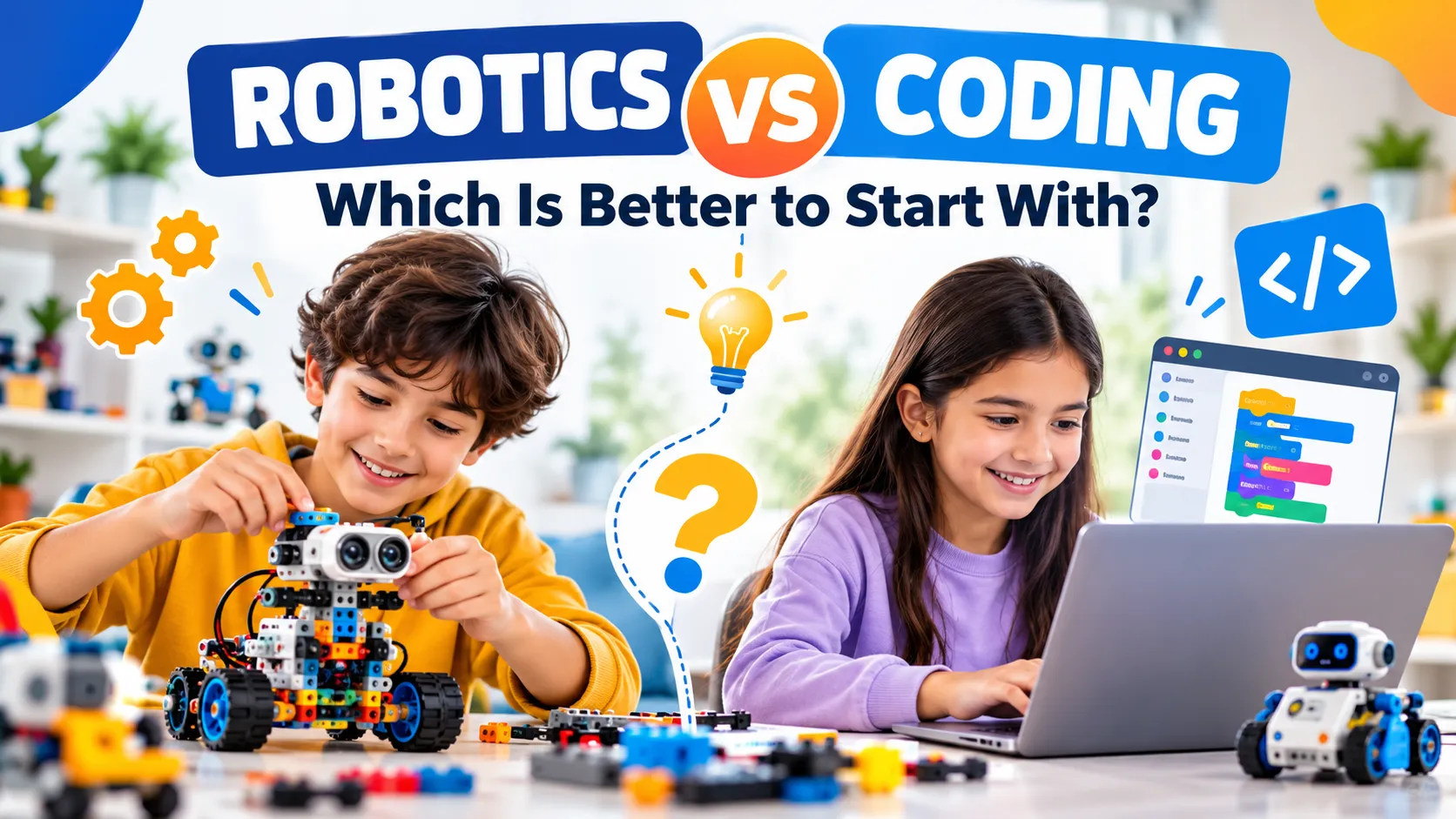
Your child has started talking about robots, or maybe they’ve spent a whole weekend building games on a tablet. Now you’re wondering where to put their time and your money. Robotics or coding? It sounds like a fork in the road, but it’s really a question of which door is easier to open first.
The short answer
For most children under 10, robotics is the better place to start. Building something that moves lets kids see what their instructions actually do, and that makes abstract ideas easy to grasp. Coding becomes a natural next step once they’re comfortable. For kids aged 10 and over who already love games and apps, starting with coding works well, ideally alongside a hands-on kit. The strongest path is usually both, in that order.
What’s the real difference between robotics and coding?
Robotics for kids means building a machine, usually from a kit, and making it move, sense or react. Children work with motors, gears, sensors and simple programs, so they meet engineering and logic at the same time.
Coding for kids means giving a computer instructions in a language it understands. Most children begin with visual block tools such as Scratch, then move on to text languages like Python.
Here’s the useful part: robotics includes coding, but coding doesn’t have to include robotics. A robot needs a program to do anything interesting, so the two skills grow together. The question is simply which one hooks your child first.
Why robotics is often the easier first step
Young learners think in concrete terms. Telling a child that a loop repeats a command is abstract. Watching a little vehicle drive forward three times and stop is a lesson they’ll remember.
Here is what makes robotics a friendly starting point:
- Instant, visible feedback. Change one instruction and the wheel turns the other way. Mistakes are obvious and often funny, which keeps frustration low.
- Less passive screen time. Much of the learning happens with hands, gears and wires rather than a glowing display.
- Engineering thinking comes first. Kids learn about balance, circuits and mechanics before they ever write a line of code.
- It’s social. Siblings, friends and classmates can build side by side, which is why robotics works so well in classrooms and workshops.
We’ve covered this in more depth in our guide on how robotics kits help kids develop coding, engineering and teamwork skills.
When starting with coding makes more sense
Robotics isn’t automatically the right answer for every child. Coding first can be a great choice if your child:
- is 10 or older and already enjoys games, apps or Minecraft
- prefers screens to fiddly small parts
- wants to create something quickly, with free tools and no kit to buy
The trade-off is that code on its own can feel abstract. Some kids lose interest when the only result is text on a screen. If motivation dips, adding a physical project often brings it back.
Robotics vs coding at a glance
| Robotics | Coding | |
|---|---|---|
| Typical starting age | 5 to 10 | 8 to 12 and up |
| What kids see | Real movement and reactions | Results on a screen |
| Screen time | Low to moderate | Higher |
| Main skills | Engineering, logic, problem-solving, teamwork | Logic, sequencing, building software |
| Cost to begin | A kit is needed | Often free tools |
| Common pitfall | Setup time, lost pieces | Can feel abstract |
These are general patterns. Every child is different, so treat them as a starting point rather than a rule.
A simple age-by-age guide
Ages 5 to 7: build first. At this age children learn through touch. Simple mechanical builds and cause-and-effect projects are ideal. Coding, if any, should be drag-and-drop and short.
Ages 7 to 10: build and start coding. This is the sweet spot for combining both. Kids can add motors and sensors to their builds and control them with block-based programming. A beginner-friendly set such as the Junior robotics kit is a gentle way to begin.
Ages 10 and up: code with purpose. Older children can move to Python or Arduino-style projects and use robots as a way to test their ideas. Coding-first learners at this age often do well when they have a real machine to program.
Three signs your child is ready for more
- They ask how things work. Taking apart a toy or asking why a fan spins is a good sign for robotics.
- They finish simple projects and want a bigger challenge. That’s your cue to add sensors or move from blocks to text code.
- They explain their own mistakes. A child who says, “I think the wheel is reversed,” is already debugging.
Common mistakes parents make
- Starting too advanced. A complicated kit that ends up unfinished teaches nothing. Pick something your child can complete in an afternoon.
- Treating it as either/or. Robotics and coding support each other. The goal isn’t to choose one forever.
- Leaving them completely alone. A little shared curiosity from a parent goes a long way, especially in the first few sessions.
- Expecting daily practice. Short, regular sessions of 30 to 45 minutes usually work better than one marathon.
Frequently asked questions
Is robotics or coding better for a 6-year-old? Robotics. Hands-on building suits how young children learn, and it introduces logic without requiring reading or typing skills.
Do kids need to know coding before starting robotics? No. Many beginner robotics kits use simple, visual programming or none at all at the start. Coding skills build naturally as the projects get more advanced.
At what age should kids start learning to code? Many children try visual block coding between ages 6 and 8 and move to text languages like Python around 10 to 12. Reading and typing confidence matter more than the exact age.
Does robotics help with school subjects? Yes. Robotics supports maths, physics and technology, which is why it fits so well with MINT subjects (mathematics, computer science, natural sciences and technology) taught in German schools.
Are STEM kits worth it compared with free coding apps? They serve different needs. Free apps are great for trying coding. A kit adds hands-on building and real-world cause and effect, which many children find more engaging and which makes concepts stick.
Final thoughts
So, which is better to start with? For most young learners, begin with robotics and let coding grow from it. For older kids who already love screens, start with code and add a physical project to keep things exciting.
At Robibrix, we see this every day: children who build first tend to understand code faster, because they’ve already seen what it does. If you’re ready to begin, explore our range of robotics kits for kids or browse our STEM kits that blend building, logic and creative play. Pick something your child can finish this weekend, and let their curiosity decide what comes next.